Jogar
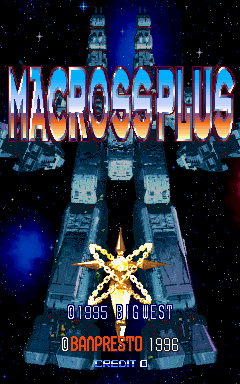
Com tecnologia EmulatorJS · Arcade
MOSS e Banpresto desenvolveram este jogo de tiro de rolagem vertical, incumbindo os jogadores de navegar em aeronaves em intensos encontros de combate. Controlar uma unidade de vôo permite movimentos precisos pela tela para evitar projéteis enquanto libera poder de fogo ofensivo contra ondas de inimigos durante os estágios de rolagem.
Player layout in our catalog: 2P sim.
If you are exploring by feel rather than by title, jump from the tags above into the matching genre rooms, or return to the Arcade hall for the full wall.
Open Play on this page to start Macross Plus. Keyboard, USB/Bluetooth pads, and the on-screen touch gamepad all work inside the emulator bar. Save states and fullscreen live on that same bar so you can pause mid-session and resume later.
Macross Plus is filed in our catalog as a 1996 release.
Player layout on this cabinet: 2P sim.
Genre tags on Classic Arcade Games: Shooter.
Credit line lists MOSS / Banpresto as developer.
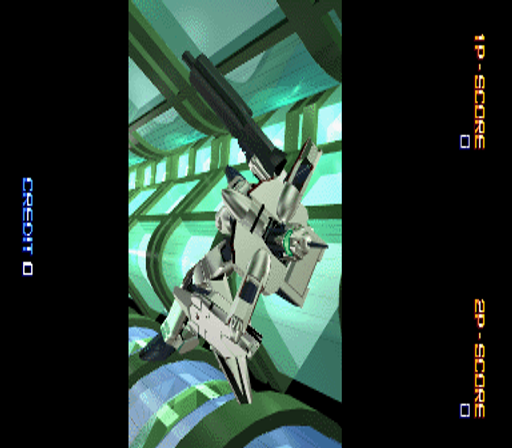
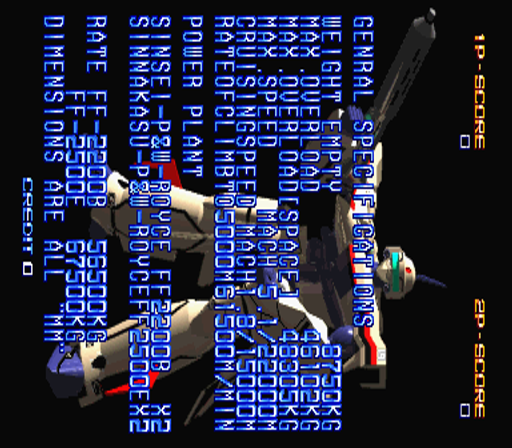
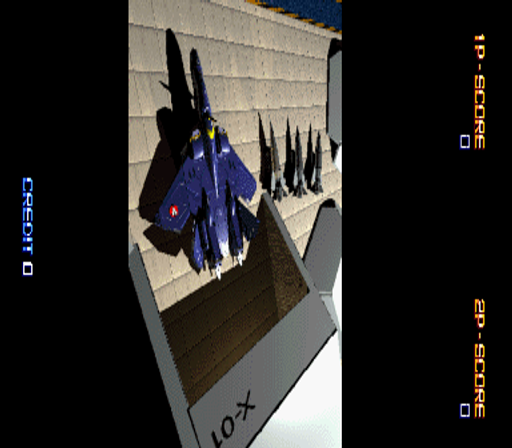
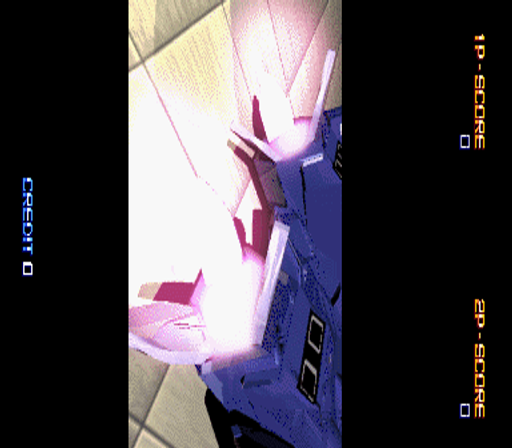
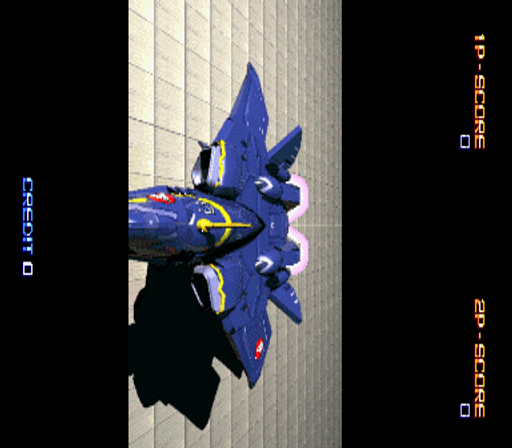
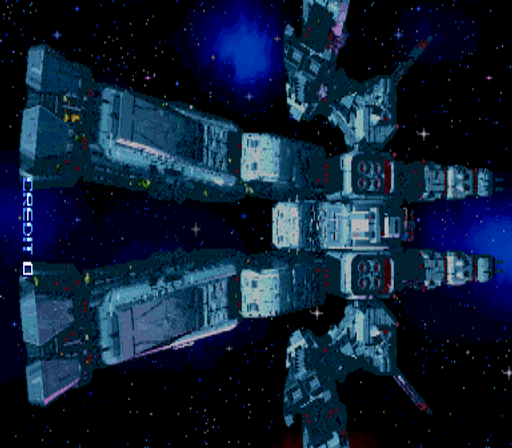
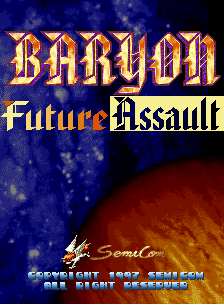
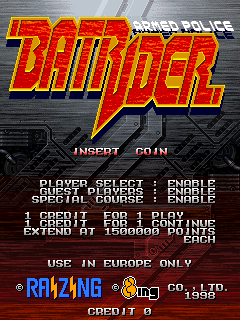
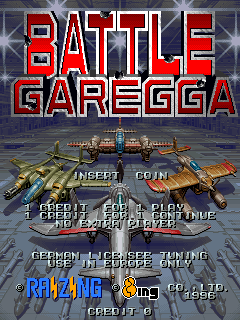
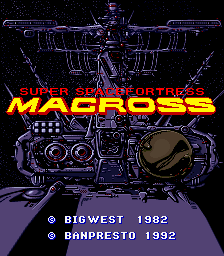
Nearby cabinets you may also open from this hall (each on its own play page):Super Spacefortress Macross / Chou-Jikuu Yousai Macross, Super Spacefortress Macross II / Chou-Jikuu Yousai Macross II, 19XX: The War Against Destiny, Aero Fighters Special (Taiwan), Air Gallet (Europe), Air Attack (set 1), Arcadia (NMK), Area 51 (R3000), Area 51 / Maximum Force Duo v2.0, Baryon - Future Assault (set 1), Armed Police Batrider (Europe) (Fri Feb 13 1998), Battle Garegga (Europe / USA / Japan / Asia) (Sat Feb 3 1996)
Super Spacefortress Macross / Chou-Jikuu Yousai Macross · Super Spacefortress Macross II / Chou-Jikuu Yousai Macross II
Super Spacefortress Macross / Chou-Jikuu Yousai Macross · Super Spacefortress Macross II / Chou-Jikuu Yousai Macross II · 19XX: The War Against Destiny · Aero Fighters Special (Taiwan) · Air Gallet (Europe) · Air Attack (set 1) · Arcadia (NMK) · Area 51 (R3000) · Area 51 / Maximum Force Duo v2.0 · Baryon - Future Assault (set 1) · Armed Police Batrider (Europe) (Fri Feb 13 1998) · Battle Garegga (Europe / USA / Japan / Asia) (Sat Feb 3 1996)
MOSS / Banpresto appears on this cabinet’s credit line. Browse more titles from the same studio on the developer shelf, or stay on this page and try the next cabinets in the same hall.
Yes. Classic Arcade Games hosts Macross Plus as a Arcade cabinet you can start on this page. The emulator loads in the browser; you do not need to install a separate app.
Arcade stick feel: Arrow keys for the joystick, X/Z (and nearby keys) for buttons, Enter=Start. USB / Bluetooth pads map cleanly; six-button fighters use the face-button cluster.
Yes — related series cabinets on this site include Super Spacefortress Macross / Chou-Jikuu Yousai Macross, Super Spacefortress Macross II / Chou-Jikuu Yousai Macross II. Each has its own play page with the same browser emulator path.
Copie o código iframe abaixo para incorporar este jogo no seu site.
<iframe src="https://pt.classicarcade.games/games/arcade/macrossp?embed=1" width="800" height="600" allowfullscreen allow="gamepad; autoplay; fullscreen"></iframe>